
A free and portable scratchpad plugin for FireFox!
take your online notes everywhere you go!
Your research notes,
Your discount codes,
Your source code snippets,
An e-mail address,
And more!
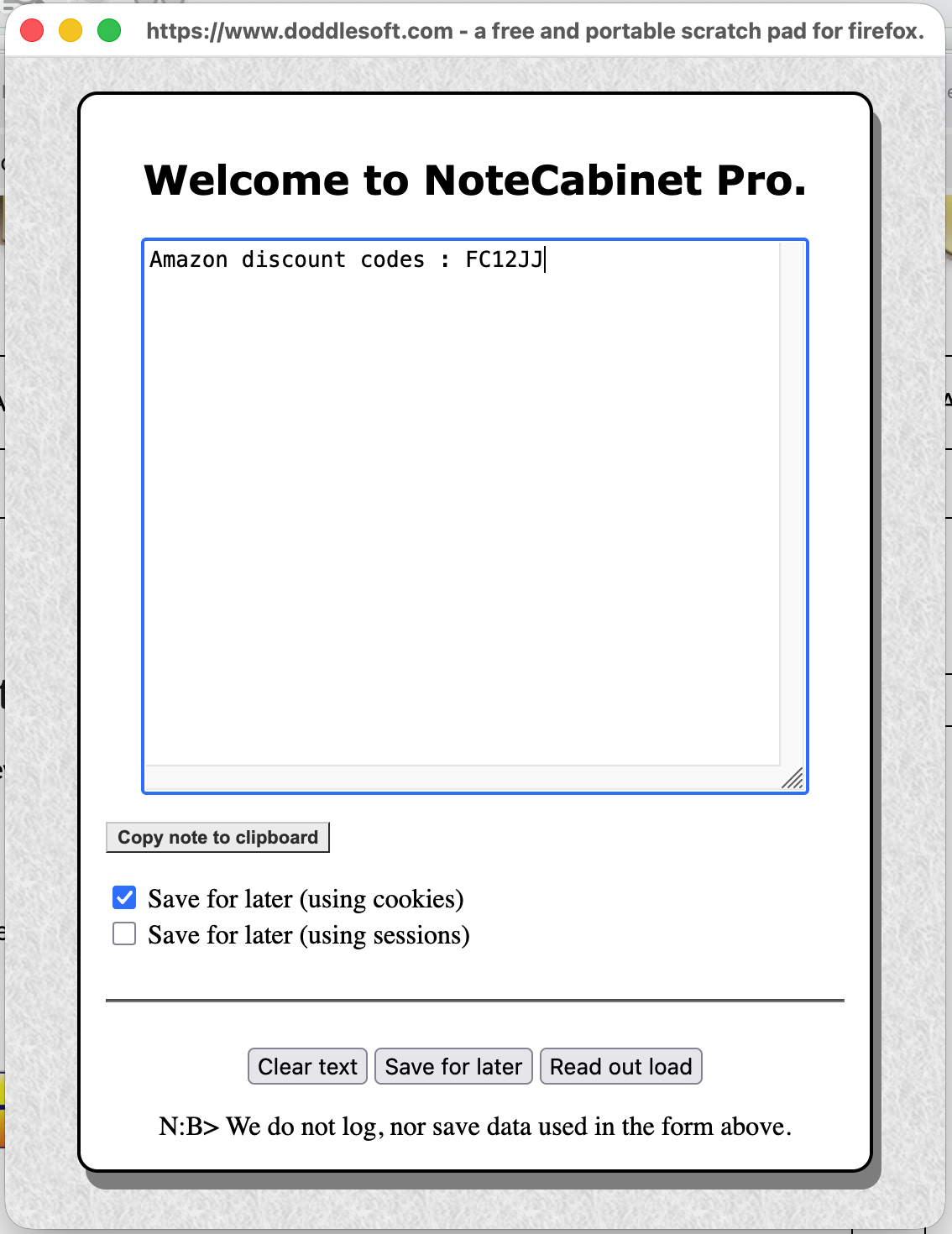
It’s easy access, for use later on!
Always remembered!
Regardless of what website you are on.
And it couldn’t be easier….
Just  to install in moments!
NoteCabinet pro has been installed : times.
Then just

From the Firefox extensions menu 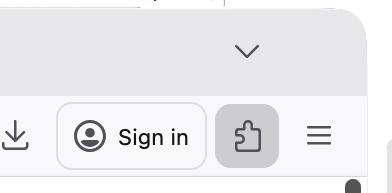
And we’re ready to roll!
Click save for later when you want a note to be saved.
And it’s always there whenever you need it!
System requirements :
NoteCabinet pro requires Mozilla Firefox 57+ and an active internet connection. That’s it — it runs on any OS (Windows, macOS, Linux) that supports Firefox, uses less than 1 MB of disk space, and needs no account or registration.
Frequently Asked Questions
Is NoteCabinet Pro really free?
Yes. It’s completely free with no trial periods, no premium upgrades, and no hidden costs – ever.
What does NoteCabinet Pro actually do?
It’s a Firefox addon that gives you a handy scratchpad right in your browser. You can jot down research notes, discount codes, source code snippets, email addresses, and more – all accessible from any webpage.
Which browser does it work with?
NoteCabinet Pro is a Firefox addon and works with Mozilla Firefox.
How do I install it?
Click the install button on the NoteCabinet Pro page and Firefox will install it instantly. No setup wizard needed – it’s ready to use straight away.
How do I open NoteCabinet Pro?
Click the NoteCabinet Pro icon in the Firefox extensions menu (the puzzle piece icon in your toolbar). The notepad panel will open and you’re ready to start typing.
How do I save a note?
Type your note in the panel, then click the Save button. Your note is stored and will be there waiting for you whenever you need it – no matter which website you’re visiting.
Will my notes still be there after I close Firefox?
Yes. Notes are saved locally so they persist between browsing sessions. Just open the addon again and your notes will be right where you left them.
Can I use it on any website?
Yes – NoteCabinet Pro is always accessible regardless of which website you’re on, making it ideal for jotting things down while browsing.
Does it need an internet connection?
Yes
Is it safe to install?
Yes. The addon is verified 100% virus-free on VirusTotal, and DoddleSoft.com holds a TrustedSite security certification.
Can I uninstall it?
Yes – simply go to Firefox’s Add-ons Manager (Ctrl+Shift+A), find NoteCabinet Pro, and click Remove.
A full record of versions, fixes, and features.
| Version | Date | Changes |
|---|---|---|
| v1.0 | 23-02-2026 |
|
Sounds good?
to install in moments!