
Six search engines at the touch of a button!
When searching the internet for something specific or rare online (like collectibles, cheap tickets, or technical information), standard web searches often fall short. Results can be vague or missing entirely, requiring a more thorough approach.
Fortunately, multiple search engines exist, each with different algorithms and databases that prioritize different results. Using several engines provides broader perspective and better chances of finding what you need.
However, manually searching across multiple engines can be time-consuming and frustrating, so people rarely do it (and give up easily) unless absolutely necessary—even though it could be very helpful.
Until now …
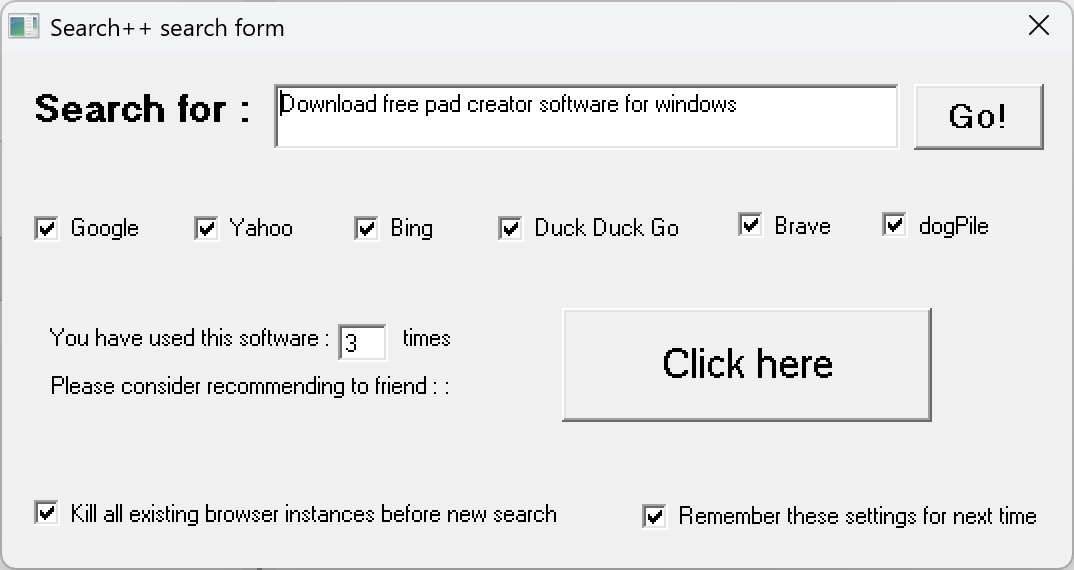
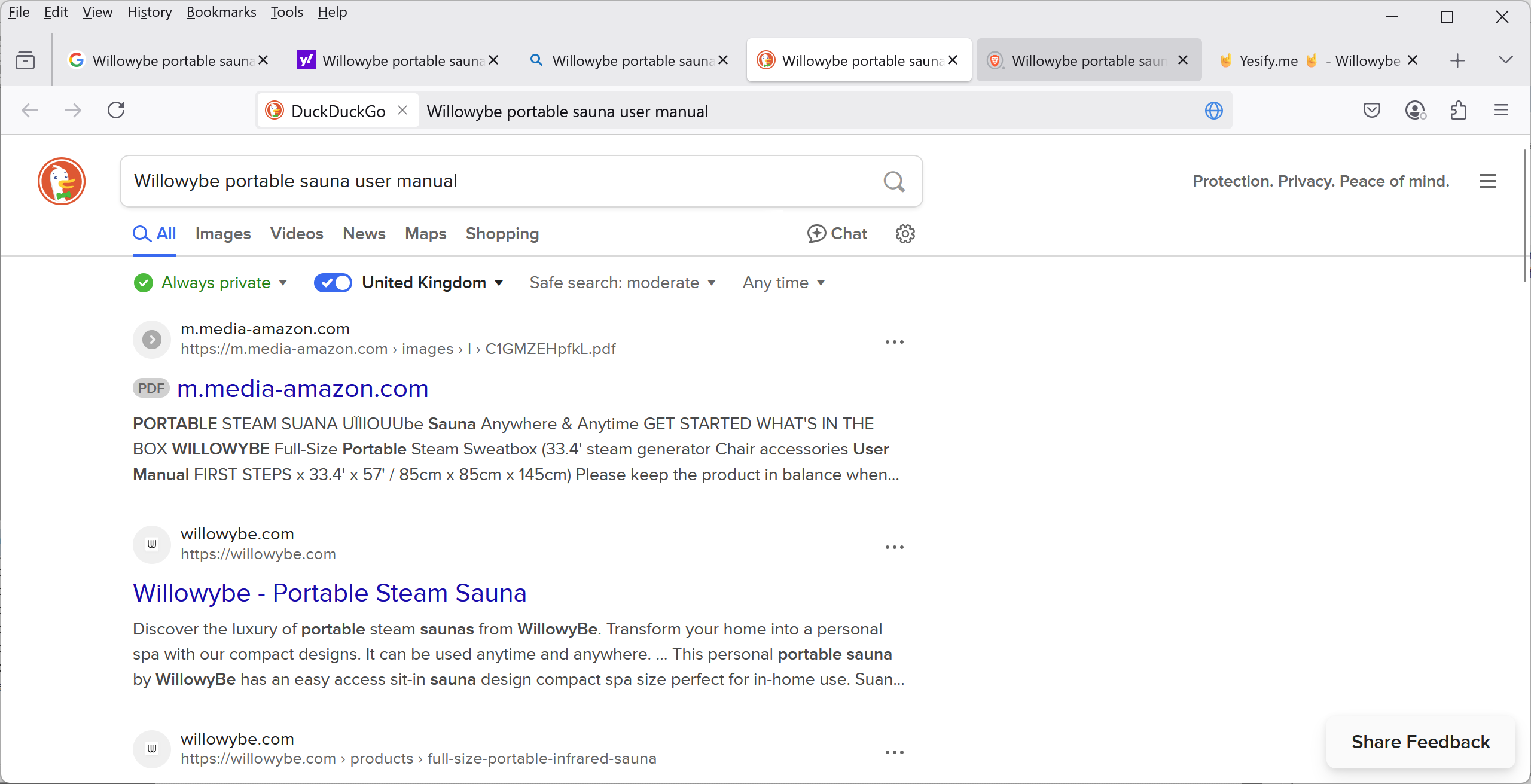
Search++ is free Windows software (XP+) that runs in the system tray. Press a customizable hotkey to open a search form, select up to six search engines, type your query, and click “Go”—all engines open instantly in your browser with your search query pre-filled, making it easy to find what you need!
Search++ screenshots :
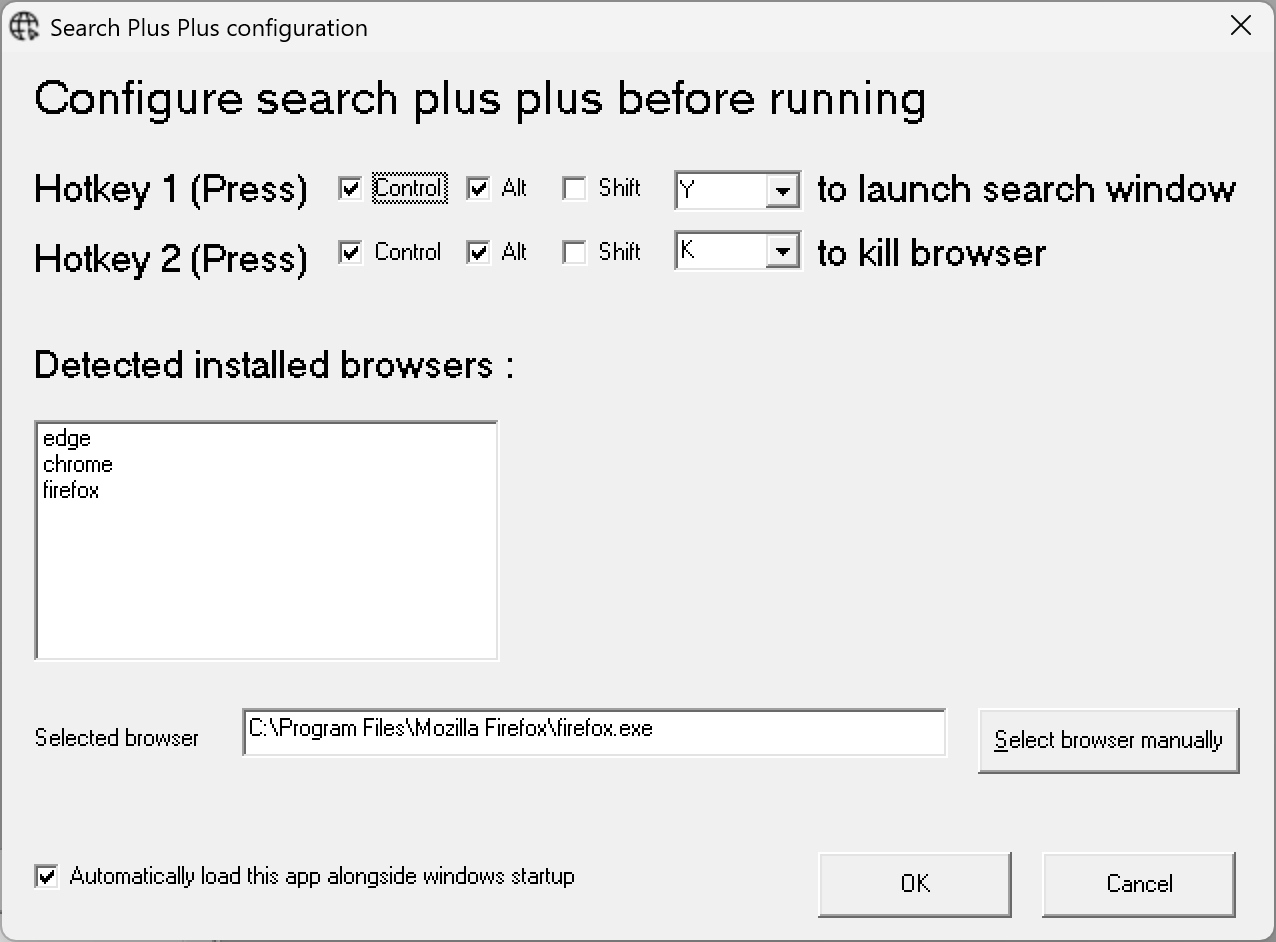
Software configuration :
Search form dialogue:
What it does :
Sound good?

to download and install, it’s freeware! Only takes a couple of minutes 🙂